Most people only think about where their notes are stored when they try to take them somewhere else. With Microsoft OneNote or Google Keep, years of meeting notes and half-finished ideas sit in the provider’s own format on servers run by US companies, where they fall under laws like the US CLOUD Act.
If you’re looking for an open source alternative to OneNote or Google Keep, Nextcloud Notes takes a simpler approach: it saves your notes as files on infrastructure of your choice, whether that’s your own server or a trusted provider.
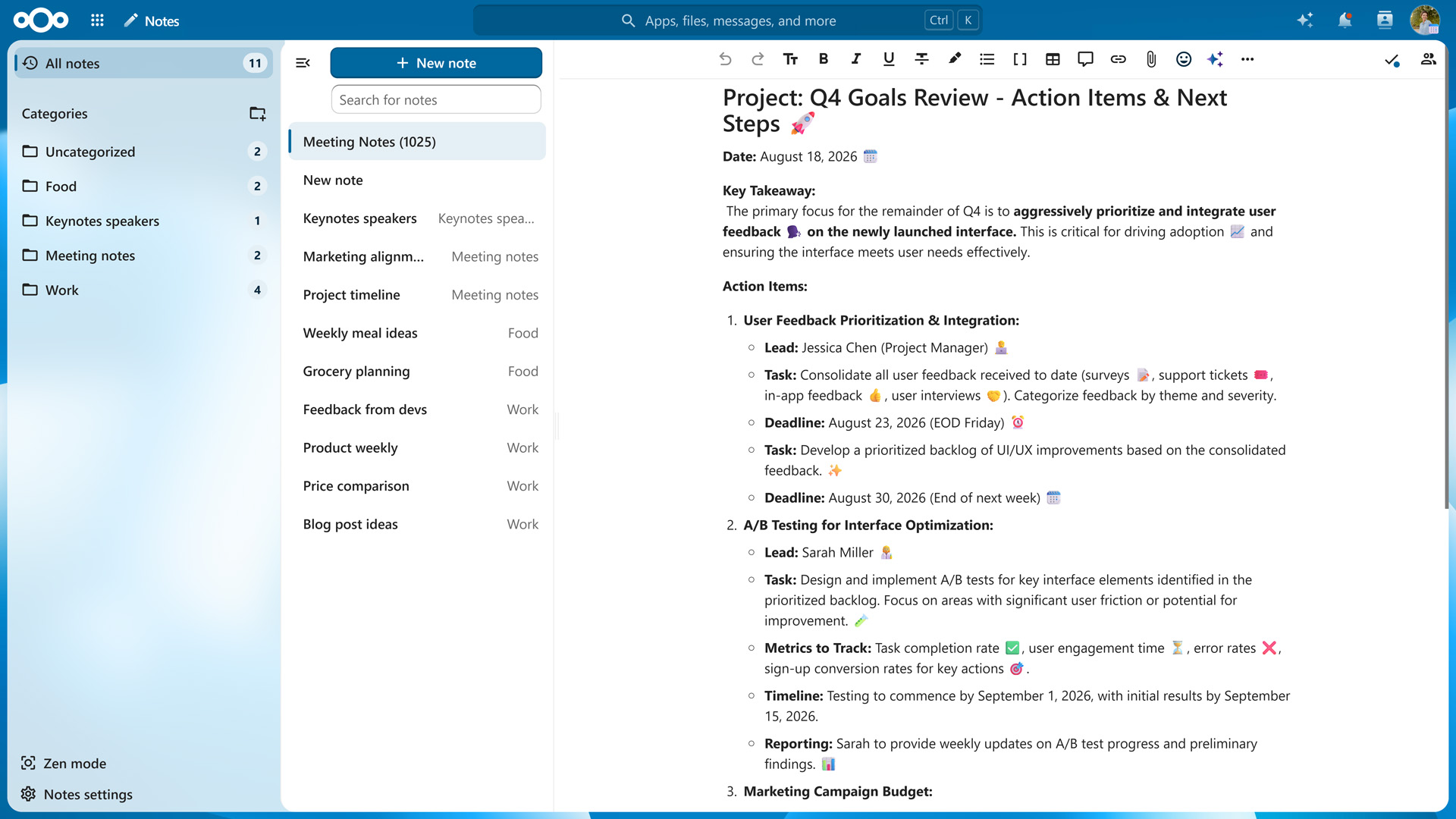
Capture ideas in Markdown and keep them organized
Nextcloud Notes is built for quick capture. You open it, start typing, and the interface stays out of your way. To speed things up, start a new note from a ready-made template. When you need to concentrate on longer writing, Zen mode hides everything in the app except your working area.
You can add headings, bold and italic text, checklists, tables, images, and links using Markdown syntax or the app’s WYSIWYG editor. Beyond basic formatting, Nextcloud Notes offers a range of elements that give longer notes structure, which is especially useful when your team works on them together:
Callouts in five styles (info, success, warning, danger, and question) to highlight key information, decisions, or open questions
Collapsible details sections that keep background information out of the way until someone needs it
Tables for comparisons, schedules, or simple trackers
Mermaid diagrams for flowcharts and process overviews, written as plain text
Inline and block math for formulas
Code blocks for commands, configuration snippets, or code
Blockquotes for citing sources or earlier discussions
File attachments and images, uploaded from your device or picked from Nextcloud Files
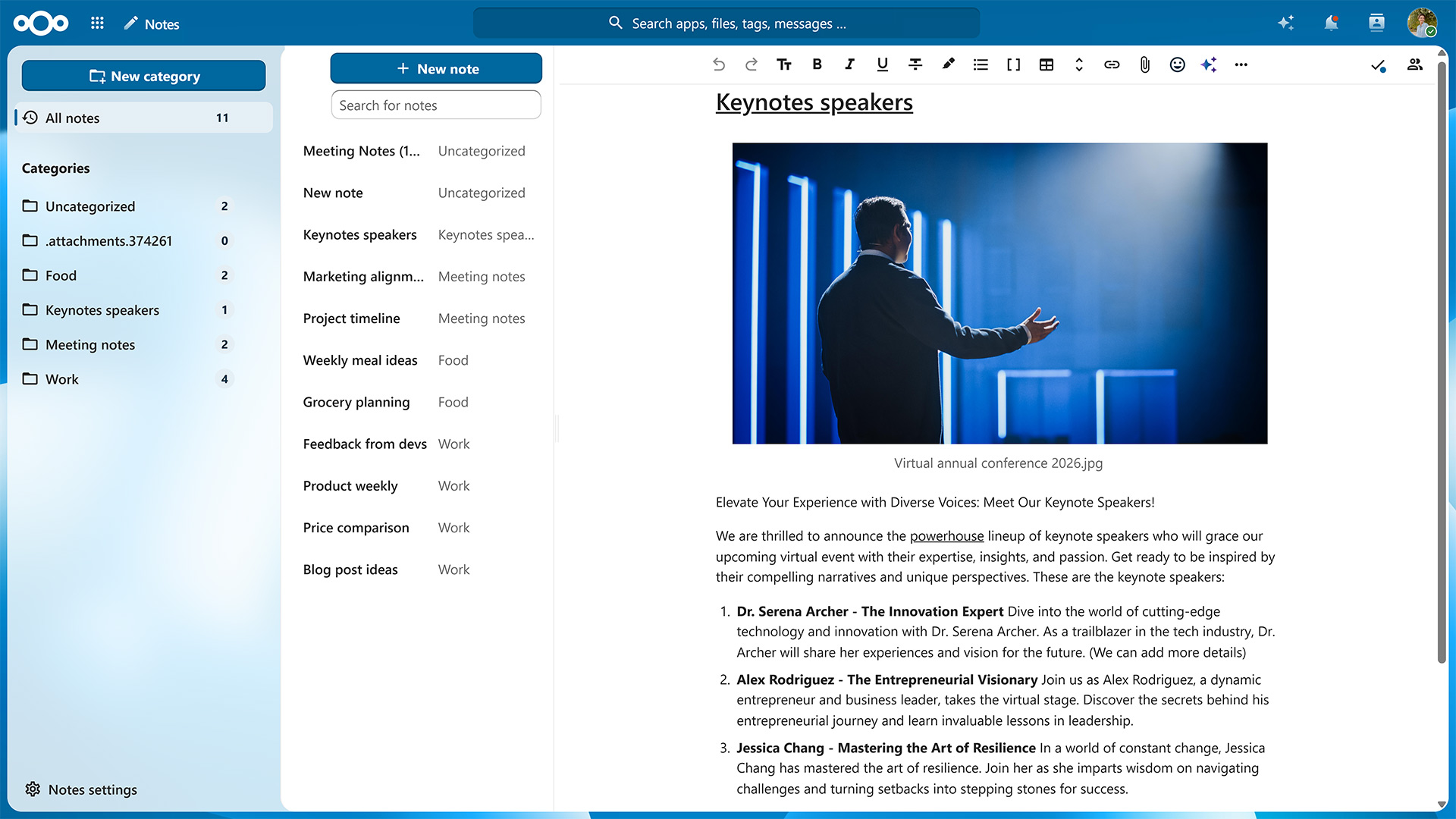
You can organize your notes by assigning them categories and marking them as favorites to keep them at the top of your list. If you have a lot of notes, the search box makes it easy to find a specific one.
Nextcloud Notes works in any web browser, with no installation needed. On your phone or tablet, the free Nextcloud Notes apps for Android and iOS keep your notes in sync with your server. Thanks to the REST API, a range of third-party apps also work with Nextcloud Notes.
Share notes and work on them together
A note can be shared with other users, groups, or via a public link, so even people without a Nextcloud account can read them. Since notes are files, the same sharing options as in Nextcloud Files apply, including fine-grained permissions and one-time passwords for shares.
Once shared, a note can be edited by several people simultaneously. Each collaborator’s cursor is shown in real time, so it’s always clear who’s writing what. They can also add inline comments to a specific passage and reply to them. Comments are saved in the note’s Markdown file, so they stay readable even if you open the note in another editor.
Your notes are files you own
Every note you create in Nextcloud Notes is saved as a regular file in a Notes folder, using either .md, .txt, or a file extension you specify yourself. Since they’re ordinary files, you can open and edit your notes with any text or Markdown editor you like.
This also makes it easy to export your notes: you simply copy the folder. In comparison, OneNote and Google Keep export your notes as per-notebook PDF and Word files and archives of HTML and JSON files respectively, which you’ll need to convert before another app can use them.
Nextcloud Notes also keeps a version history, which you can browse directly in the sidebar, so you can see how a note changed over time and restore an earlier version. For developers and power users, a REST API lets third-party apps read and write your notes.
Connect your notes to other Nextcloud apps
Your notes can link to content from elsewhere in your Nextcloud, such as a kanban card in Nextcloud Deck, a calendar event, or a chat message in Nextcloud Talk. You also have access to Nextcloud Assistant, an optional AI assistant that can help you draft and summarize text. Your Nextcloud administrators decide which model it uses and whether it runs locally or on a server of a trusted provider.
Other Nextcloud apps complement Nextcloud Notes’ feature set. If you often use reminders, Nextcloud Tasks lets you set due dates and reminder times and syncs them to your phone via CalDAV. If you want to build structured notebooks with your team, Nextcloud Collectives lets you curate a team wiki with linked pages, using the same editor as Nextcloud Notes. Since Markdown is supported by most Nextcloud apps, copying to and pasting from Nextcloud Notes preserves formatting.
Get started with Nextcloud Notes
If you already run Nextcloud, you or your instance’s administrator can enable Nextcloud Notes from the Nextcloud App Store in just a few clicks.
Fruto del trabajo conjunto de nuestro equipo, la comunidad y nuestros partners, Nextcloud Hub 26 Summer aprende de personas reales que utilizan nuestras herramientas a diario. Crea un espacio propio para tu equipo con Nextcloud Teams, organiza tus recuerdos en el nuevo Nextcloud Photos y disfruta de las actualizaciones que pediste en todas las aplicaciones. ¡Sigue leyendo para conocer todos los detalles de nuestra última versión!
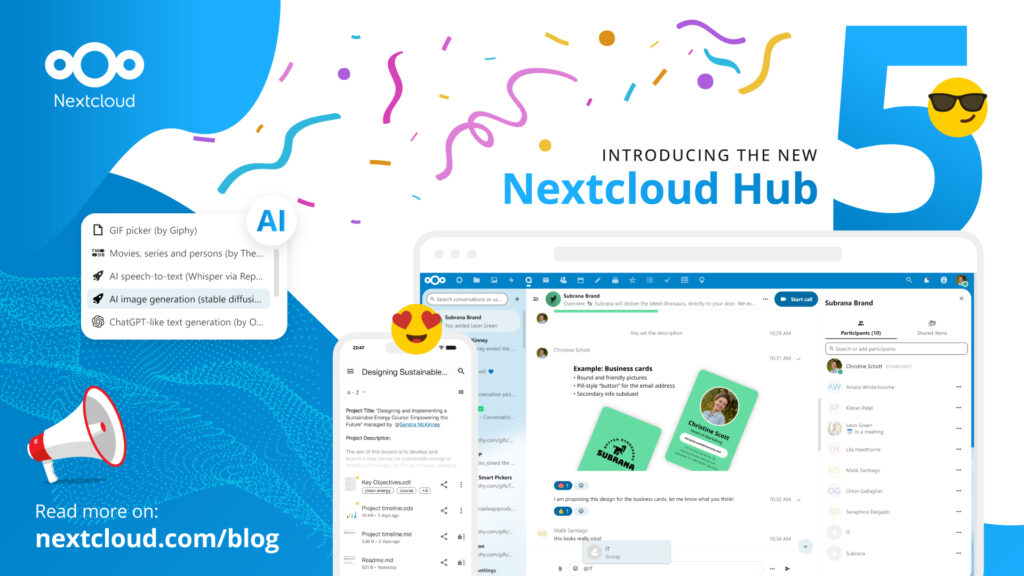
Nextcloud Hub offers several types of integrations for AI, from completely self-hosted options to integrations with external services like Open AI. Here's an overview of what you can use and where, and where it stands on our Ethical AI scale.
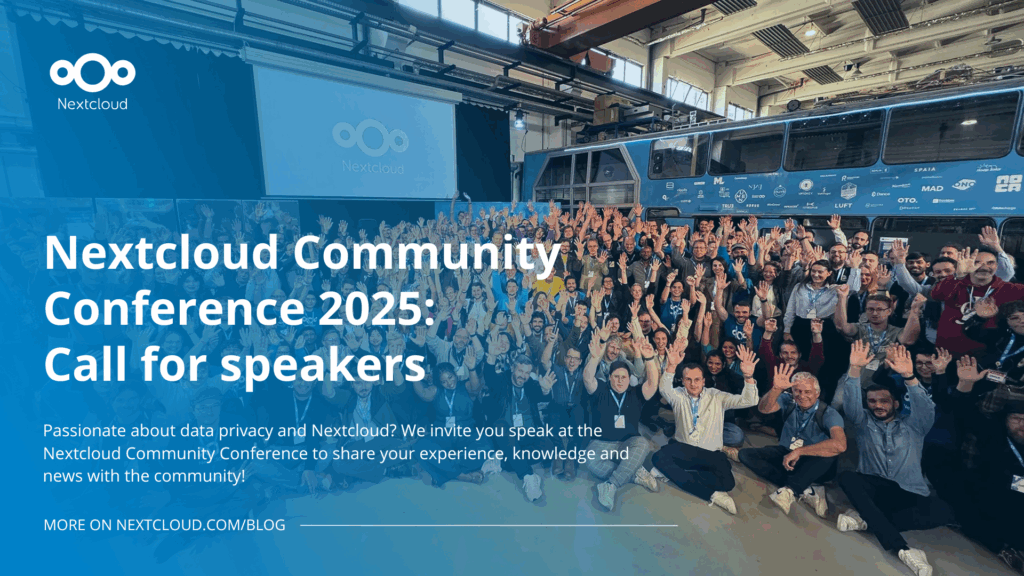
Passionate about data privacy and Nextcloud? We invite you speak at the Nextcloud Community Conference to share your experience, knowledge and news with the community!
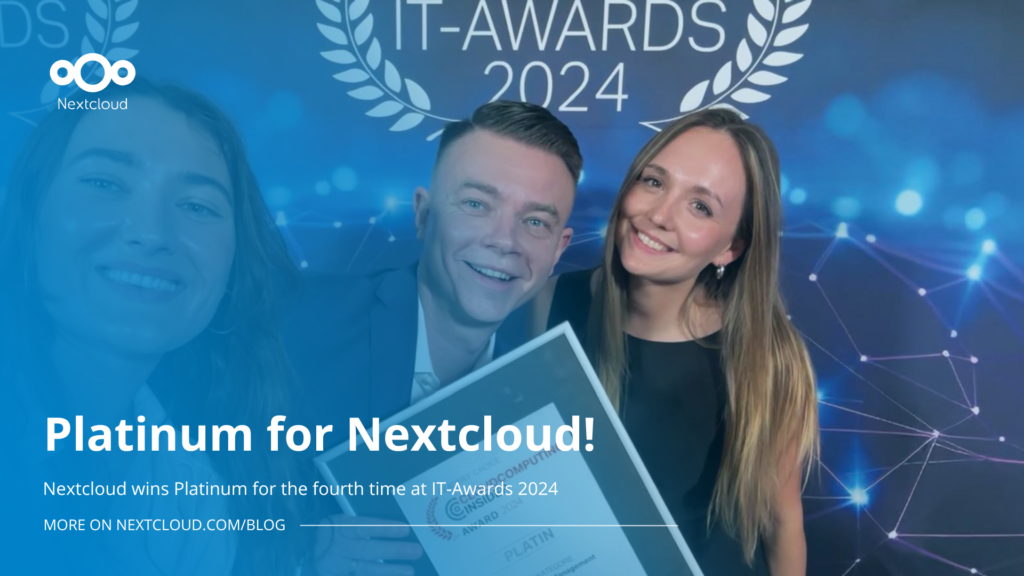
For the ninth time, Nextcloud has been nominated for the CloudComputing-Insider Readers’ Choice Award in the category of Cloud Content Management. We’d love to reach the top again! And we’re looking for the support of you and everyone else in our amazing community to get there. Nextcloud as the best Cloud Content Management tool? Only […]
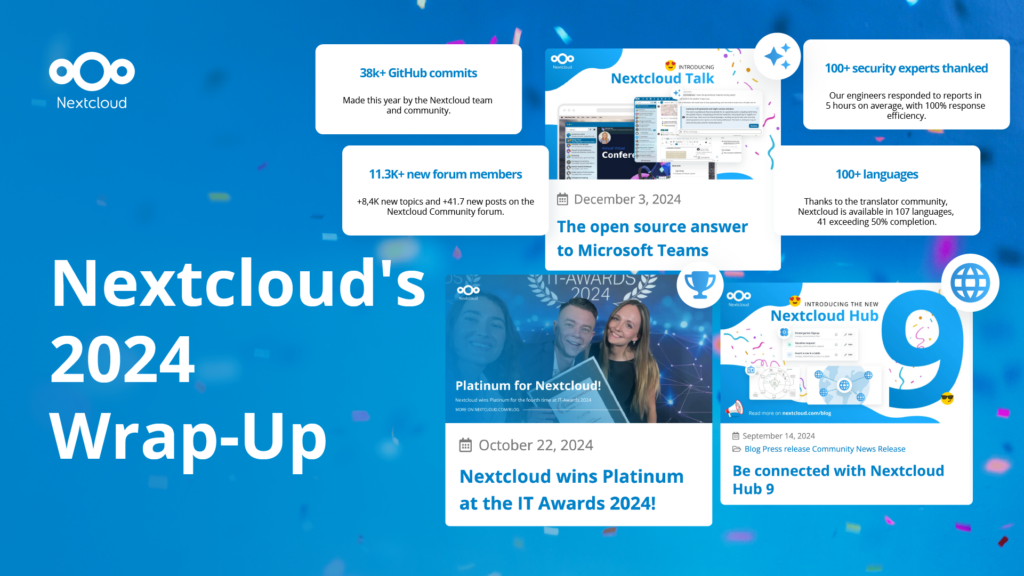
In the Nextcloud 2024 wrap-up, we want to take a moment to celebrate this year's achievements. Join us as we continue to reimagine what’s possible - shaping a world where open source, privacy and connection come together and drive progress for the greater good.
Las organizaciones, grandes y pequeñas, necesitan una forma de garantizar la resiliencia y la soberanía digital de sus operaciones: una alternativa de código abierto que respete la privacidad frente a Teams. Y hoy, presentamos esa solución: Nextcloud Talk.
Nextcloud has been recognized with the World Summit Award Germany that selects and promotes local digital innovation improving society, aiming to contribute to the United Nations' agenda of sustainable development goals.
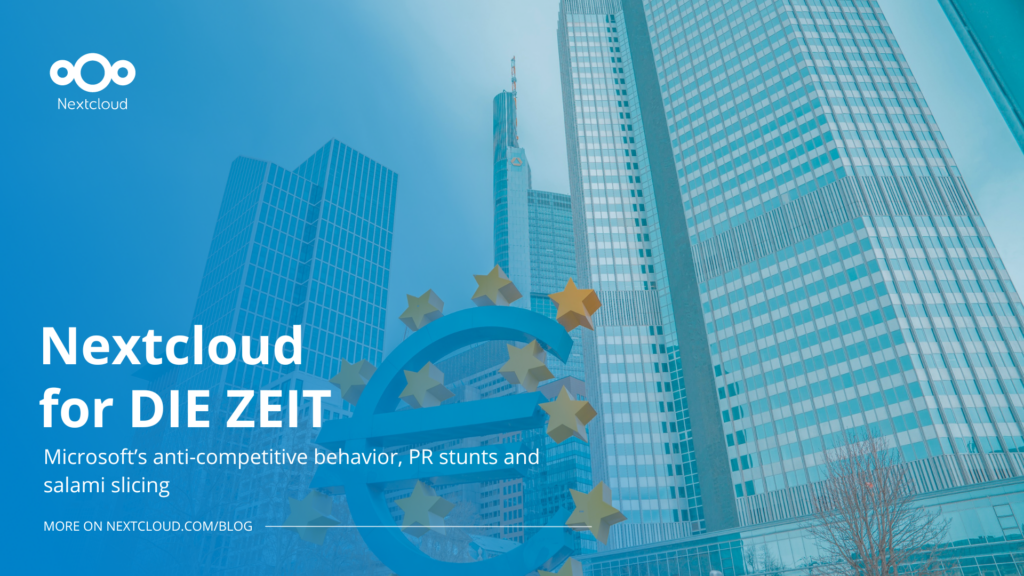
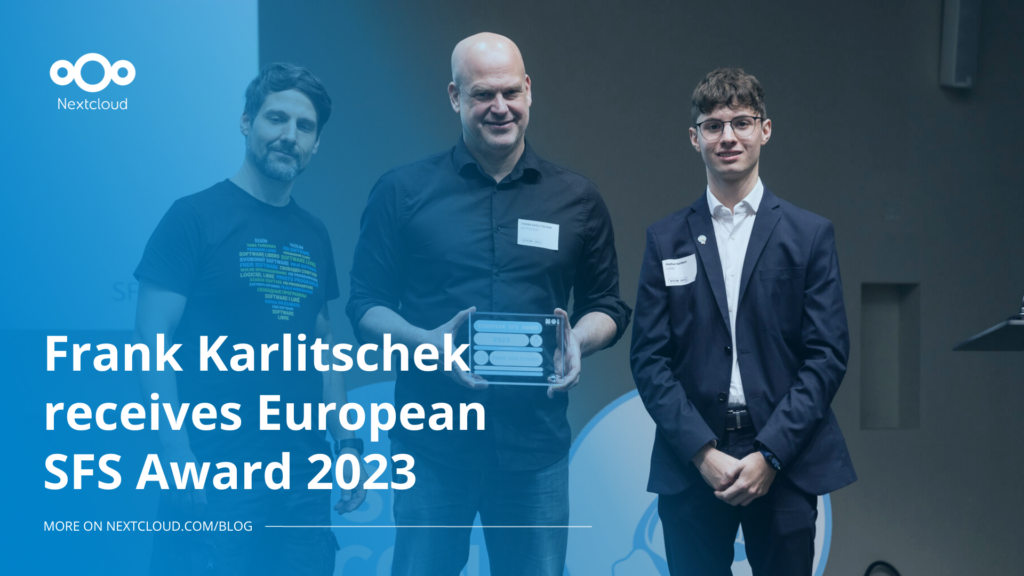
DIE ZEIT, a prominent German outlet, interviewed Nextcloud’s founder Frank Karlitschek for an article on Microsoft’s anti-competitive behaviour on the European office software market. Read for a recap of the article and the key takeaways.
MagentaCLOUD’s migration to Nextcloud in 2021 resulted in a fully equipped Online Storage with an integrated online office suite that further improves the user experience, flexibility and security for customers.
We bring you a major update to the Nextcloud AI Assistant, plus the news we work with several big hosting providers like IONOS and OVHcloud to bring AI-as-a-Service options to you!
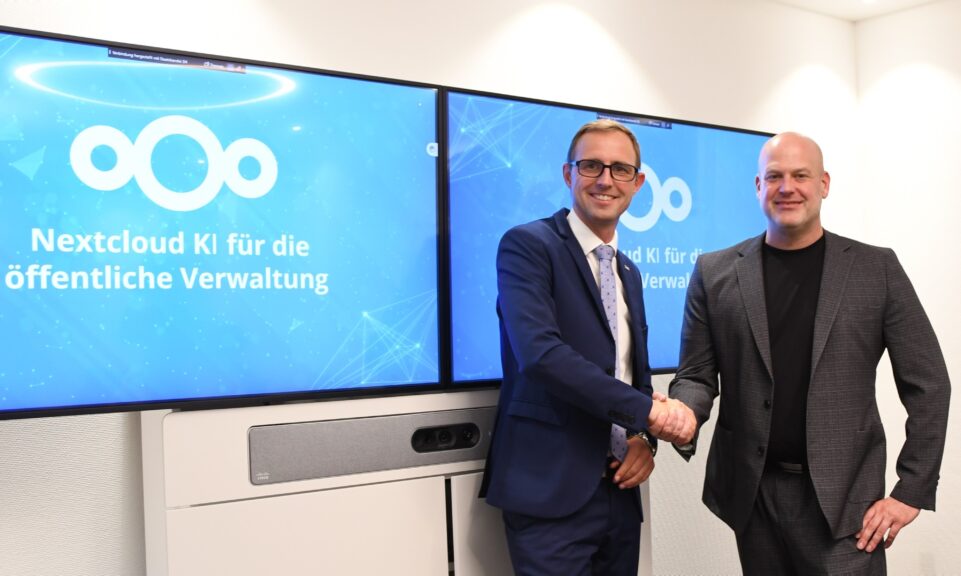
Bechtle and Nextcloud announce today a complete managed collaboration platform for the public sector that requires no tender and can be deployed immediately.
Discover how to make the switch from ownCloud to Nextcloud. Our quick guide provides insights into the migration process, helping you make the transition smoothly.
Today, US-based file sync & share vendor Kiteworks announced their acquisition of ownCloud and Dracoon. Kiteworks points out that their customers now have access to their file-sharing application. It is to be expected they will not maintain 3 similar products, but customers will have to migrate to the US firms’ platform or look for another […]
As part of Schleswig-Holstein's state digitization strategy, the state chancellery has announced they will work with Nextcloud to develop AI for working with government documents. This comes just after we announced the first private AI assistant last weekend with Hub 6. The German state already uses Nextcloud and their AI strategy aligns with our work on ethical, local AI technologies.
Nuestra misión es ayudar a particulares, empresas y organizaciones a alcanzar la soberanía digital y recuperar el control sobre sus datos. Nextcloud Hub 5 supone un enorme paso adelante en la consecución de esta misión, poniendo el poder de la IA en tus manos, de forma que mantengas el control. Nueva versión, nuevas posibilidades Hub […]
One year ago, the European Commission proposed the Digital Omnibus, a package to “simplify” EU digital rules. Its most important part is still being negotiated: a GDPR change that would make it easier for companies to train AI on your personal data, while EU governments want to weaken your right to say no. Here’s where things stand, who’s lobbying, and how to keep your data out of someone else’s AI.
What does the dependency on U.S. Big Tech put at risk and what can Canadian organizations learn from Europe’s digital sovereignty movement? In this article, we try to find the answers.
Jan Vales, System Administrator for the TUcloud at TU Wien, tells us about university's 35,000-user Nextcloud setup, how share links solved TU Wien’s external collaboration problems, and why he thinks open source should win over closed source.
Guardamos algunas cookies para contar los visitantes y facilitar el uso del sitio. Esto no sale de nuestro servidor y no es para rastrearte personalmente. Consulta nuestra política de privacidad para obtener más información. Personalización
Cookies utilizadas para guardar los datos introducidos en los formularios, como nombre, correo electrónico, número de teléfono e idioma preferido.
Nombre de la cookie:nc_form_fields
Descripción de la cookie:Recuerda los datos introducidos en los formularios para la próxima vez (nombre, correo electrónico, teléfono e idioma preferido)
Caducidad de la cookie:30 días
Consentir
Nombre de la cookie:nc_utm_parameters
Descripción de la cookie:We use cookies to store UTM parameters from your visit so we can understand how you arrived at our website.
Las cookies estadísticas recopilan información de forma anónima y nos ayudan a comprender cómo utilizan nuestro sitio web nuestros visitantes. Utilizamos Matomo alojado en la nube.
Servicio:Matomo
Descripción de la cookie:
_pk_ses*: Cuenta la primera visita del usuario
_pk_id*: Ayuda a no contar dos veces las visitas.
mtm_cookie_consent: Recuerda que el usuario ha dado su consentimiento para almacenar y utilizar cookies.
Caducidad de la cookie:_pk_ses*: 30 minutos
_pk_id*: 13 meses
mtm_cookie_consent: 30 días